How to light an office
A workstation demands 500 maintained lux and strict glare control: this is where the standard is most demanding and where mistakes are least forgiven.
- Maintained illuminance
- 500 lx
- Glare (UGR)
- ≤ 19
- Colour rendering
- ≥ 80 (recom. >90)
- Colour temperature
- 3000–4000 K
- Uniformity
- ≥ 0,60
EN 12464-1 sets 500 lux on the working plane (0.85 m) for office tasks, with uniformity U₀ ≥ 0.60 across the task area. The immediate surrounding area may drop to 300 lux and circulation zones to 150.
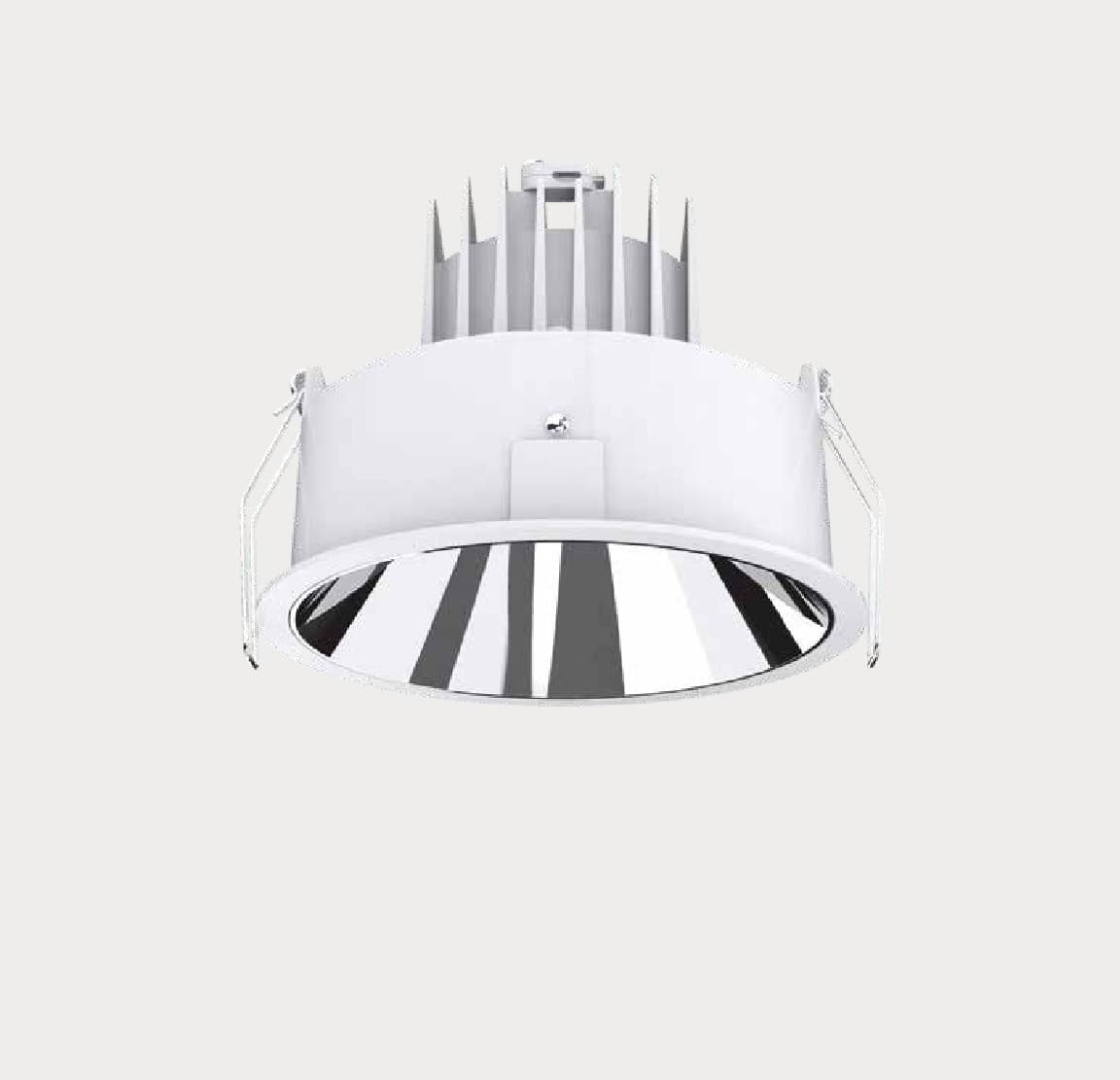
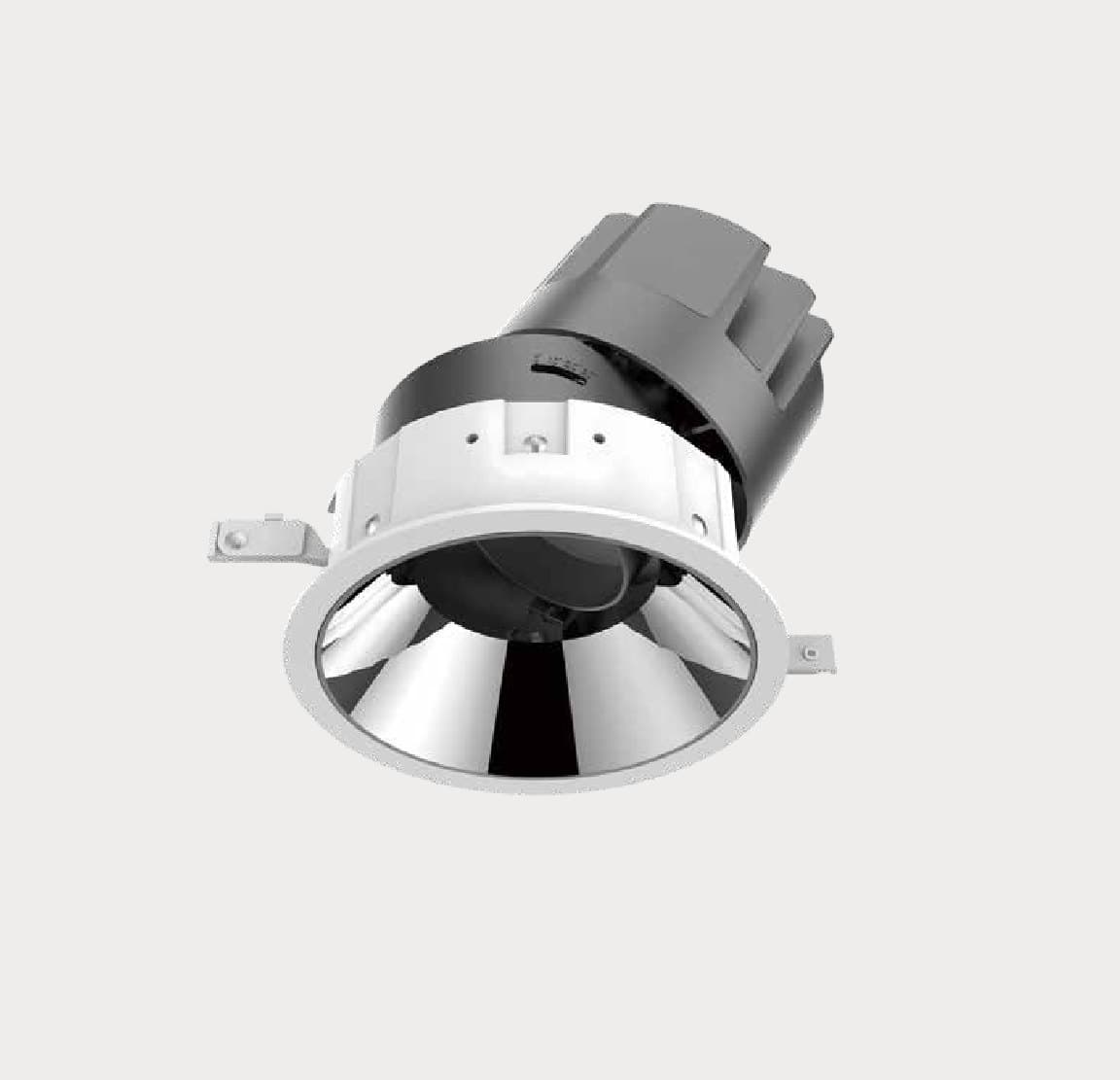
The critical factor is not the level but glare: with screens, the UGR index must be ≤ 19. A darklight optic with good shielding is therefore worth more than a product with more lumens.
4000 K supports concentration over a full working day; 3000 K feels warmer in private offices and boardrooms. Keeping a single CCT per floor avoids a patchy look between zones.
With DALI dimming plus presence and daylight sensors, typical savings range from 40 % to 60 % compared with a fixed-switching installation.
- Space the grid according to useful height: spacing ≈ 1.2 × mounting height above the working plane.
- Avoid placing luminaires directly above screens: this causes veiling reflections.
- Reserve CRI >90 for meeting rooms with video conferencing: skin tones look natural on camera.
- Add vertical illumination on walls: it increases the sense of space without raising consumption.